
Contractor How-To Guide
Our goal is to create an easy-to-use tool to save both you as a contractor and City of Moore staff time, allowing both to focus on the parts of the process that computers can't do. We will continue to add features to make your interactions with City of Moore staff easier.
Features Include
- Request Service and Apply for Licenses Online
- Self-Serve
- View Inspections Online
- Real-Time Status 24/7/365
Step-by-Step Process
Step 1: Find available Online Forms and apply for a license online.
If your form isn’t listed, you can still download it here.
Step 2: Don’t have an account yet? Create one to get started.
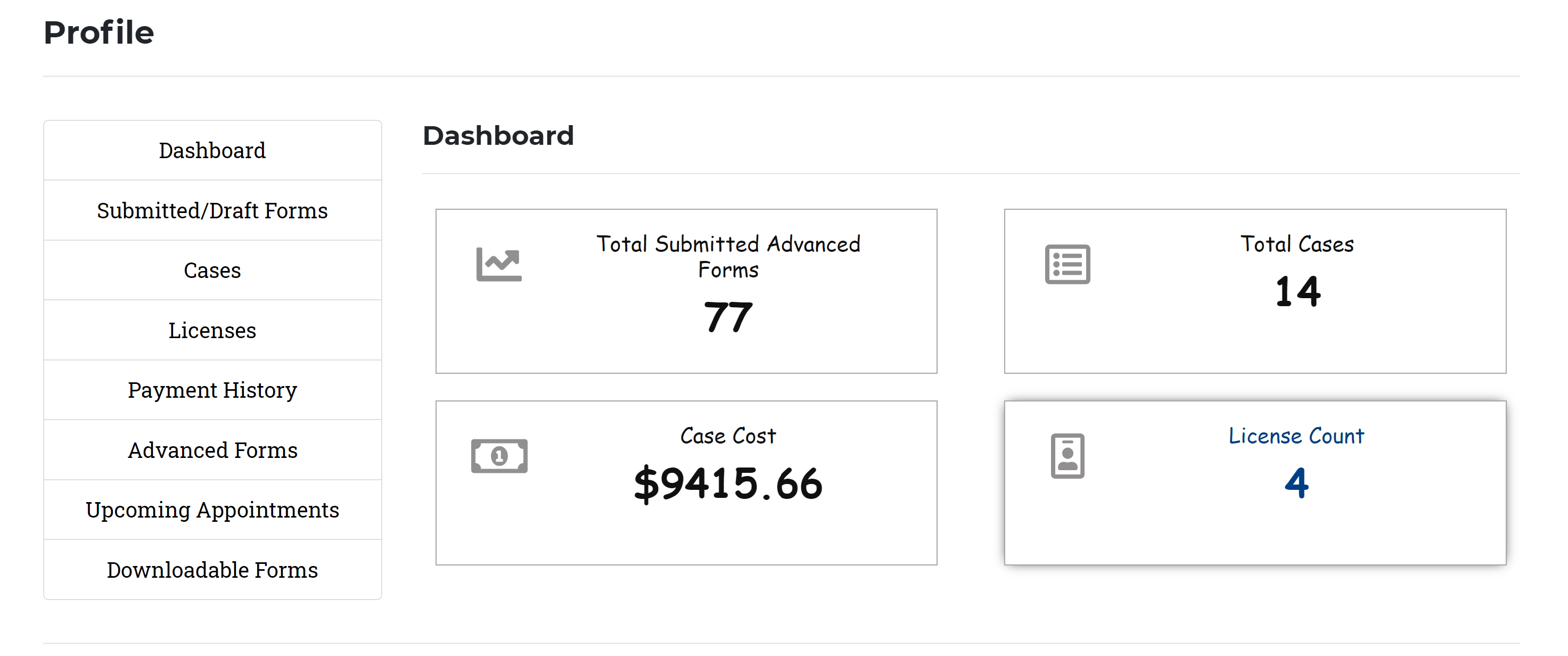
Step 3: Log in to your account to access your dashboard.
Step 4: Check the status of your submissions in your online profile at any time.
You can print submissions directly from your online profile for your records.